

News Stories and Feeds
Get tips for creating article-based content such as news stories, blogs or messages.

News Stories
The news story template should be used exclusively for article-based content such as news stories, blogs or messages. For simplicity’s sake, we use “news story” to refer to any article-based content in Aggie UX.
News stories can a have a standard or featured layout.
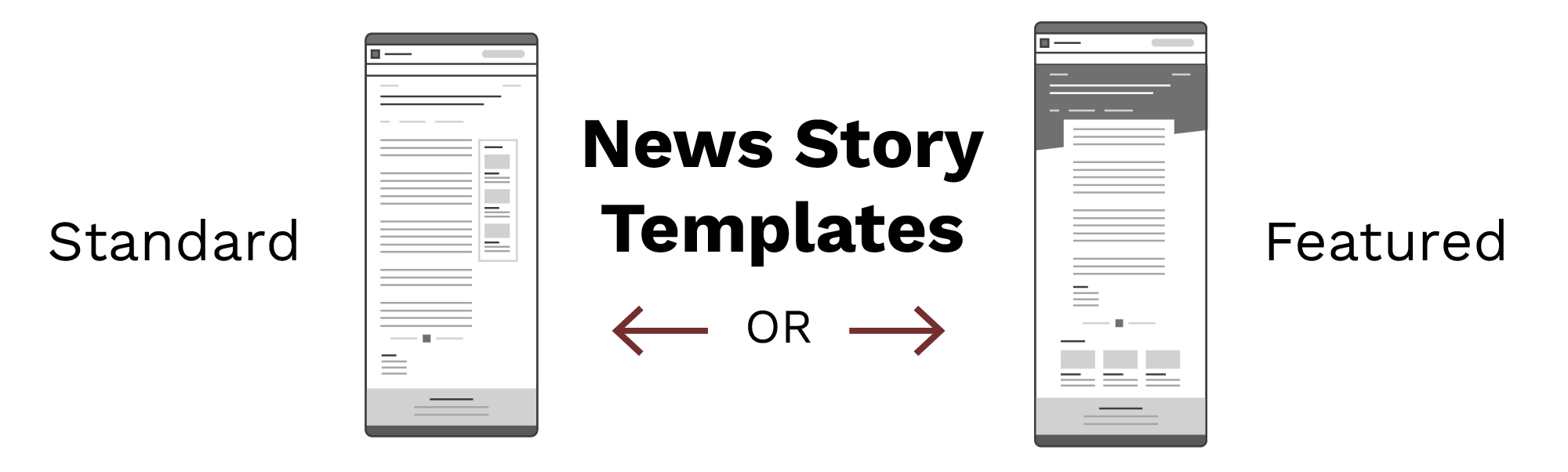
Standard News Story Template
Standard news stories include the standard news story page header and a sidebar news feed. Most article-based content should use this layout.
Standard news stories have two sidebar options for displaying related content: a sidebar feed and a sidebar feed list. The sidebar feed option allows for images and descriptions, whereas the sidebar feed list does not. We recommend using the sidebar feed list when you don’t consistently have images to go with your article-based content.
View Example Standard News Story
Featured News Story Template
Especially important or otherwise spotlighted article-based content can use the featured layout, which uses the featured news story page header and a news feed across the bottom of the page beneath the article content.
View Example Featured News Story
News Feed
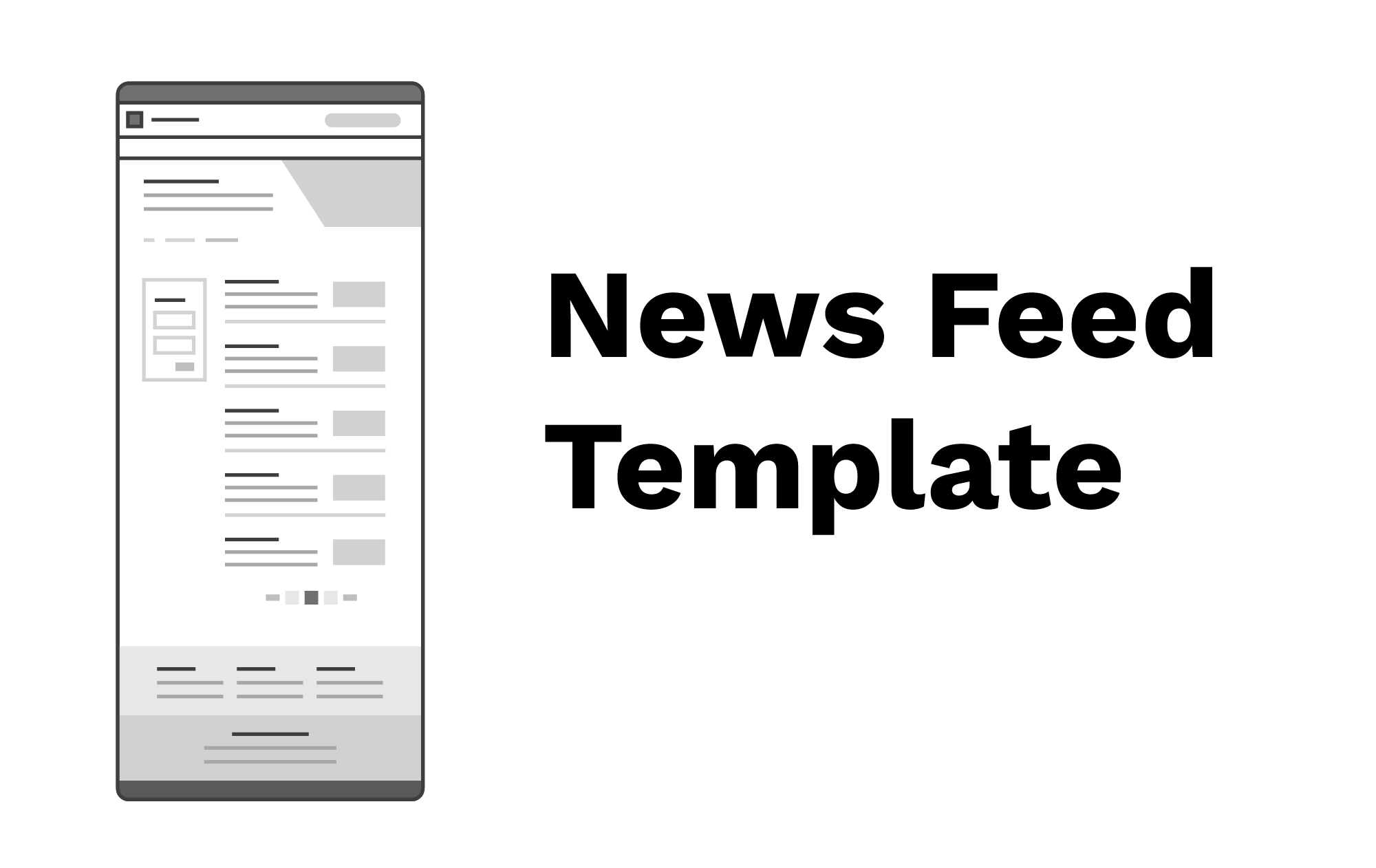
The news feed template should be used exclusively to list article-based content such as news stories, blogs or messages.
This template’s content should be dynamically created by indexing the pages with the news story template, meaning it can only exist if there are news pages to list. Learn more about how we’ve implemented news feed pages in our CMS implementation in their respective help centers.
Keep Learning
Learn about Profiles and Directories in Aggie UX 101 Module 2 Chapter 7.