

Introduction to Page Types and Templates
Get content recommendations and best practices based on page types.

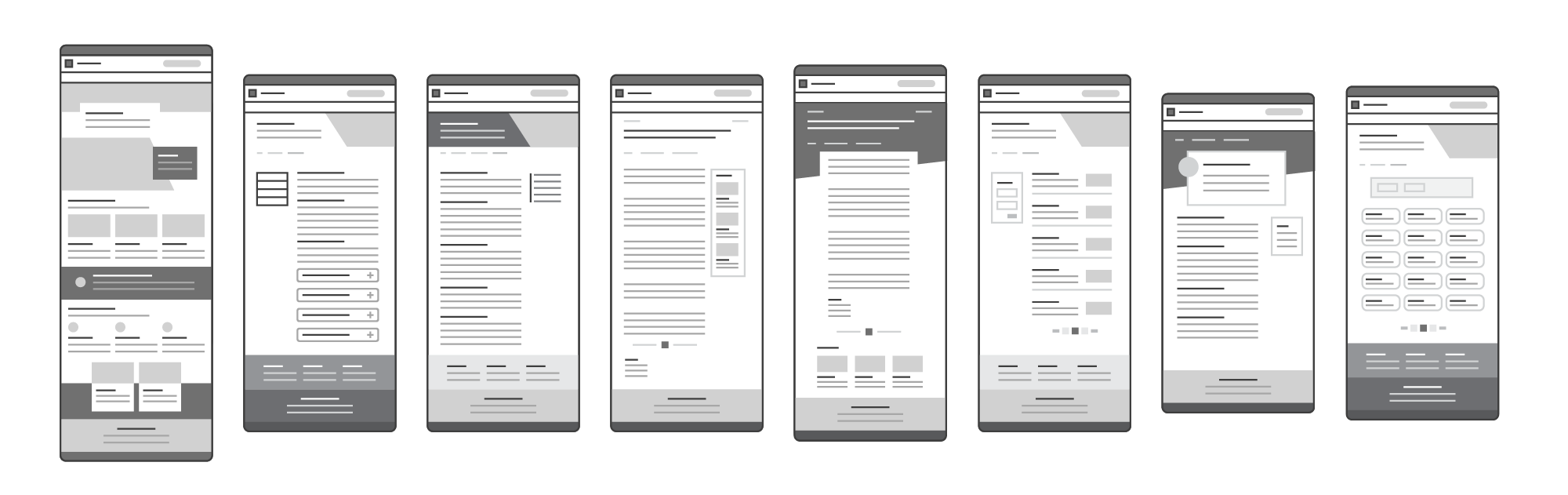
To help you get started building your website, we have provided a few example page templates with content recommendations and best practices. We also have provided recommendations based on page types for additional design and content strategy recommendations.
Classic Page Types
We find it helpful to think of the majority of your website in terms of these page types:
Home Page
The homepage of your website is the first thing people see when they visit your site by going to your URL or website address (i.e., marcomm.tamu.edu). Sometimes websites contain microsites that have their own homepages.
Landing Page
A website can contain multiple landing pages. Typically, your primary landing pages are linked to in your site navigation. However, large sites may have more landing pages than just these. Landing pages serve as a table of contents for sections of your website.
Standard Page
Most pages in a website can be considered standard pages. These are the pages that house detailed content.
What components can be used on these classic page types is impacted by their page layout.
Specialty Page Types
Some types of content require specialized templates, such as news stories and news feeds and profiles and directories. These page types have highly-specific content requirements and relationships to each other. For example, a news feed page can only exist if their are news stories to list on it. Likewise, a directory is generated by the creation of profile pages.