

Page layouts
Learn the differences between pages with and without sidebars.

In Aggie UX, the page layout impacts what components are available for use. In most cases, this boils down to whether or not a page has a sidebar.
Pages Without Sidebars
Pages without sidebars can use all of the components in Aggie UX*, including the variations that use background colors. This is because pages without sidebars can have components that stretch fully from one side of a browser to another.
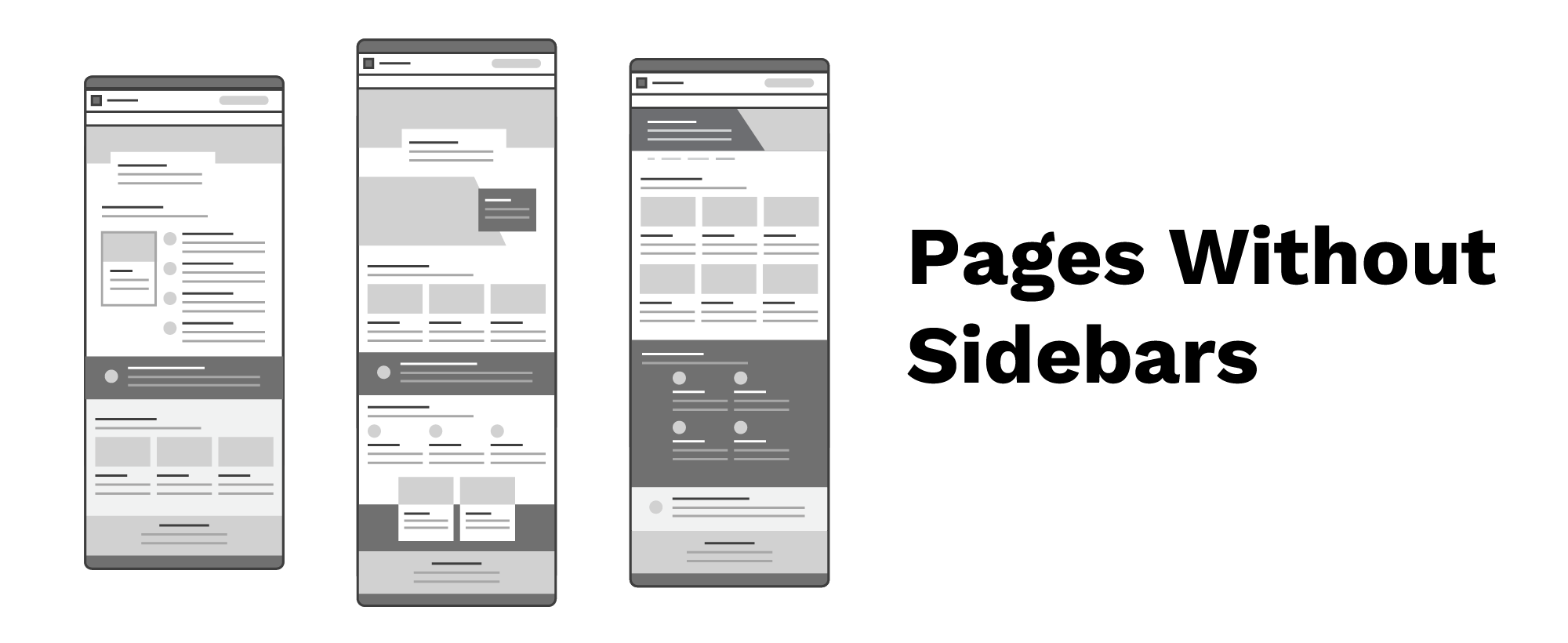
You should always use a page without sidebar template for home pages and landing pages. You can also choose to use the page without sidebar template on standard pages.
*True at time of writing, June 2, 2025
Pages With Sidebars
Pages with sidebars can use most of the components in Aggie UX, although not all. For components that can be used on pages without sidebars, typically only the “none/white” and “divider” background options are available.
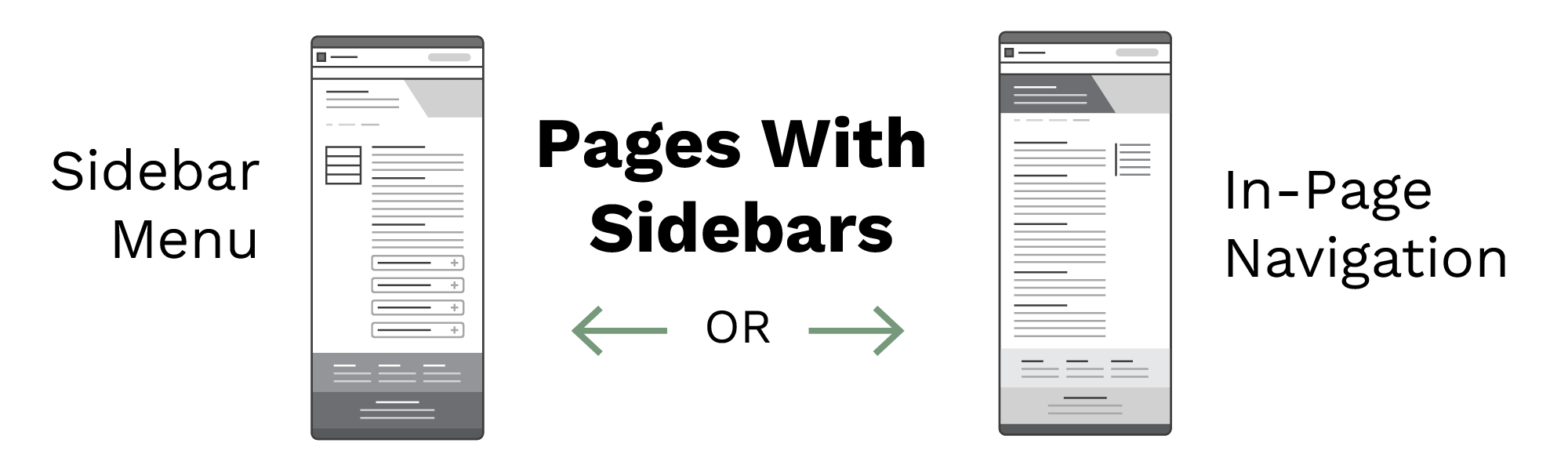
Typically you should only use the page with sidebar template for standard pages. You should use the page with sidebar templates when:
- A page has a lot of sibling pages you want to make it easy to navigate to
- A page is very long and has multiple H2 headings to link to
Scenario 1: Lots of Sibling Pages
For pages that have a lot of sibling pages you want to make it easy to navigate to, use the page with a sidebar template in combination with the sidebar menu. The sidebar menu is displayed on the left side of the page and is used to show a page’s sibling pages and a link back to its parent page.
Scenario 2: Lots of On-Page Content
For long pages that have a lot of on-page content, use the page with a sidebar template in combination with the in-page navigation. In-page navigation floats in the right sidebar with links to every H2 heading on the page it is on.