

AUX 101 | Module 7 | Chapter 10
About Sidebar Navigation
Learn about the two options for sidebar navigation on Aggie UX sites.

Sidebar navigation elements provide contextual navigation within a page or within a section of a website.
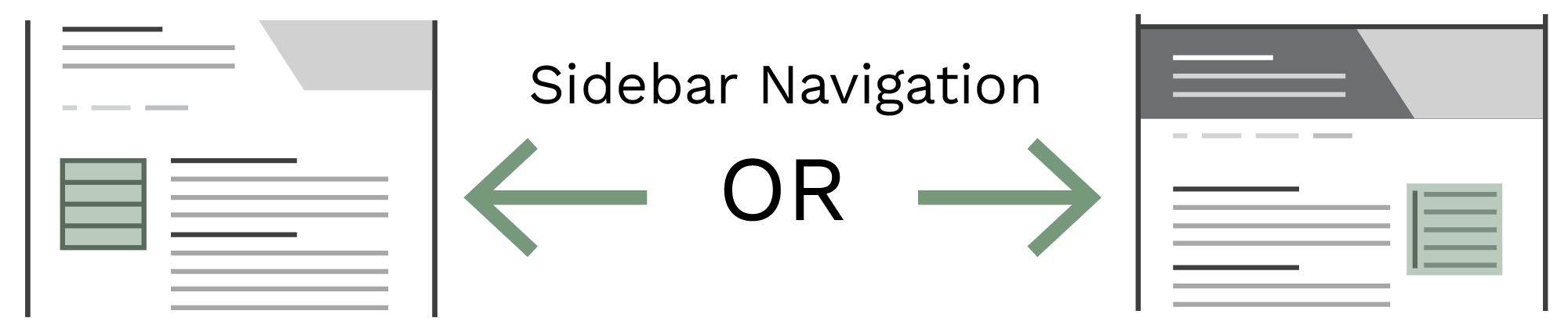
Aggie UX has two primary sidebar navigation components.
- In-Page Navigation: In-page navigation floats in the right sidebar with links to every H2 heading on the page it is on.
- Sidebar Menu: The sidebar menu can be displayed on the left sidebar of the page and is used to show a page’s sibling pages and a link back to its parent page.