

About Navigation and Navigation Components
Learn about the components available to help users orient themselves within and navigate through an Aggie UX website.

Navigation components are often integrated through out a website to help a user orient themselves within a website and find information they are looking for.
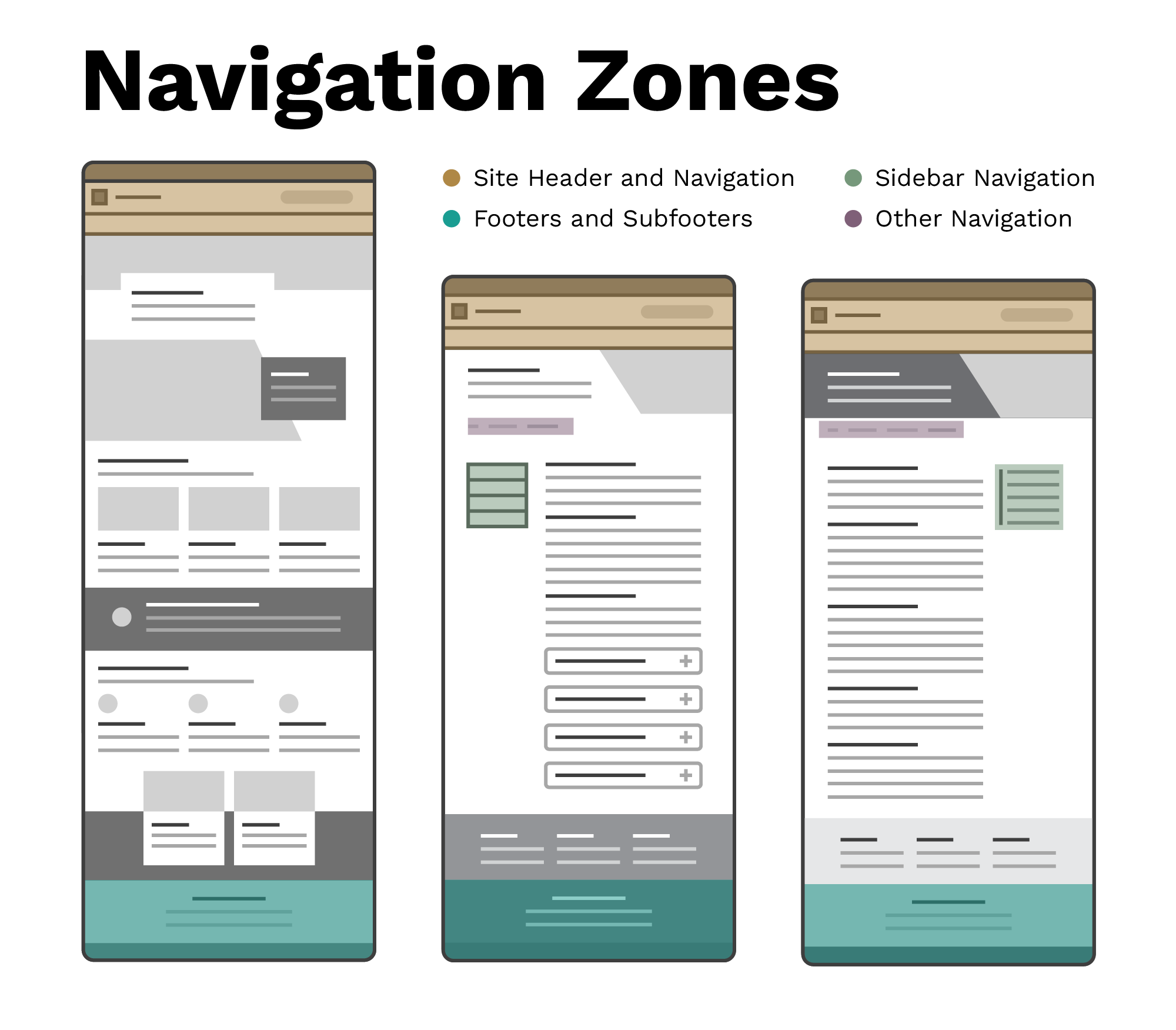
Typically when someone is referring to a site’s navigation, they are referring to the elements that appear on every page of the website across the top of each page. In Aggie UX, we refer to these elements as site headers and navigation. We have multiple configurations available for different use cases.
Footers and subfooters complement site headers and navigation, appearing at the bottom of every page of a website (or on every page on a section of a website). Footers and subfooters are an alternative wayfinding method for users who didn’t find what they were looking for on the page they are on.
Sidebar navigation elements provide contextual navigation within a page or within a section of a website. Aggie UX provides two primary sidebar navigation components: in-page navigation and sidebar menu.
There are also many other smaller navigation components (such as breadcrumbs, pagination and search) built into our CMS implementations to further help with wayfinding and navigation.
Keep Learning
Learn about Site Headers and Navigation in Aggie UX 101 Module 7 Chapter 2.