

User Interface
Learn about user interfaces (UI) and their impact on usability.

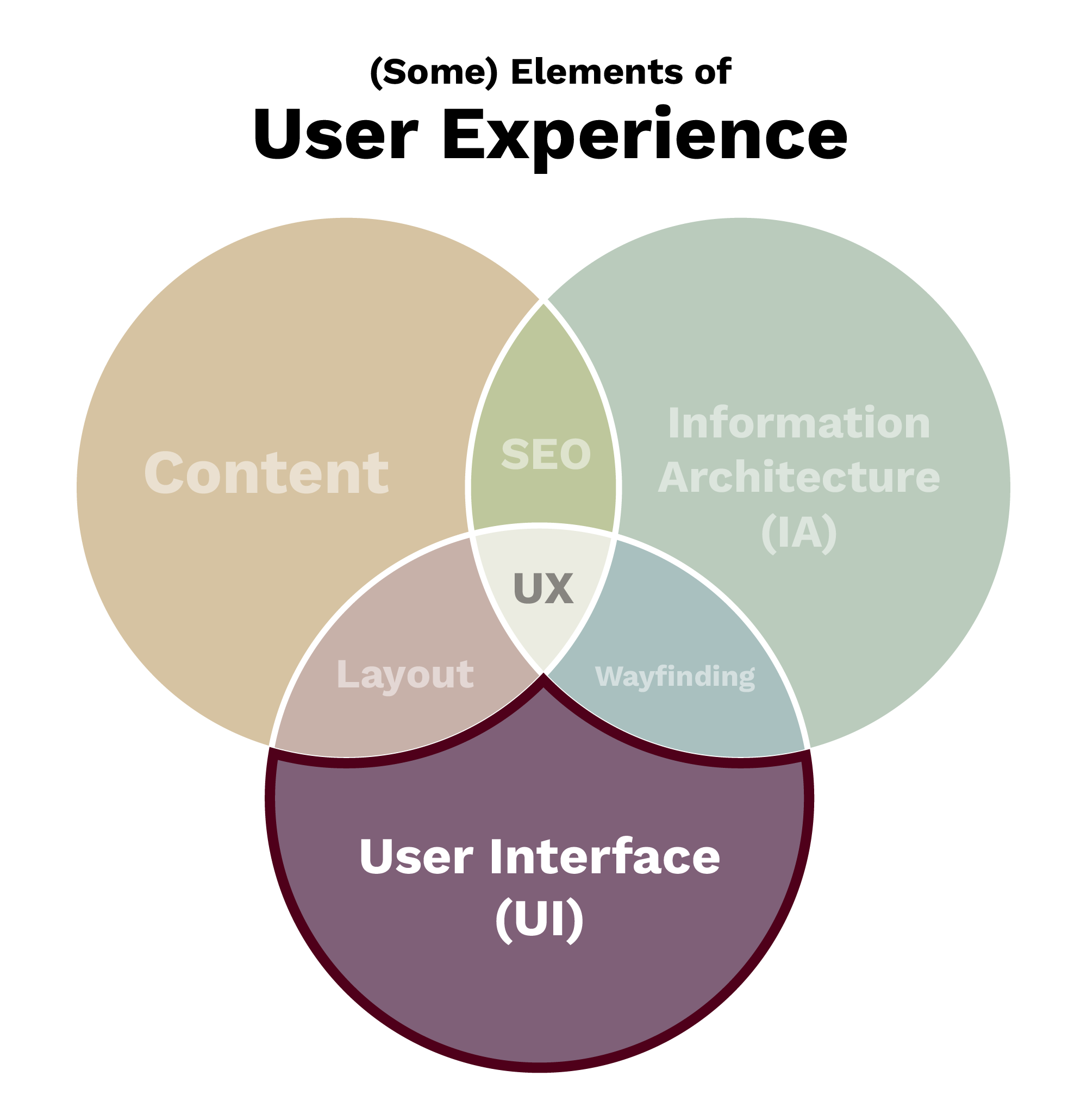
User interfaces (UIs) are what allow us to interact with and navigate through digital environments such as websites and applications.
“UI” is commonly used to refer to the visual representation of a website, both as static content and functional elements (navigation, buttons and other clickable elements). When looking at the way content is displayed on a specific page, we are talking about a page’s layout.
Aggie UX is a Designed UI
Aggie UX is a design system and framework for Texas A&M websites. It includes many key elements used to interact with and navigate through websites, including:
- Site headers and navigation
- Footers and subfooters
- Sidebar navigation
- Additional navigation elements, including breadcrumbs, pagination and search bars
Additional ways to navigate through a website are baked into Aggie UX components through buttons and link styles.
Usability
Usability is about people’s behavior after they arrive on your site, with the main goal being to increase the conversion rate.
Nielsen Norman Group defines usability as “a quality attribute of the UI, whether the system is easy to learn, efficient to use, pleasant and so forth.”
Your Impact on Usability
Your decisions on information architecture, navigation and content layout all directly affect the usability of your website. The more usable your site is, the better the user experience, and therefore the more positively your users will think of your organization.