

Layout
Discover how your page layout is how content looks when it is put into the user interface (UI).

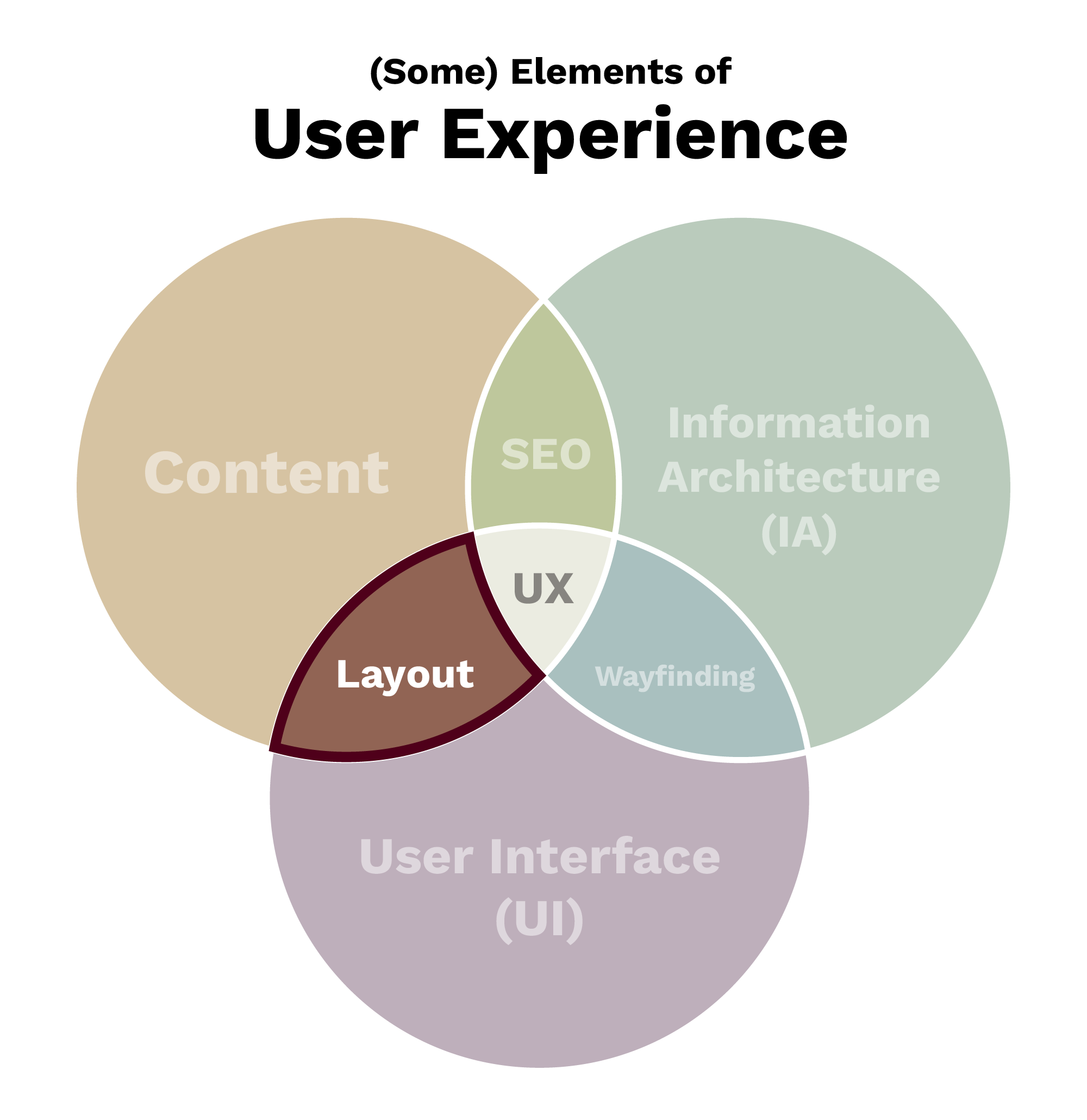
Fundamentally, a page layout is how content looks when it is put into the UI.
Your Impact on Layout
By choosing components to display content, you are directly creating the page layout.
The layout should be interesting to look at, but not at the expense of making the content easy to understand. Thoughtfully combining components that are designed to handle specific types of content will lead to an engaging layout that conveys information well.
Using Aggie UX to Make Page Layouts
Aggie UX, or AUX, is Texas A&M’s brand-compliant, accessible and user-focused design system and framework for Texas A&M websites.
Aggie UX is a design system primarily made of a component library. Components are designed content containers that stack on top of one another to form a page. Aggie UX is made of dozens of components that are designed to handle many different types of content.
Learn more about Aggie UX components in the AUX 101 learning path. To learn more about best practices for designing with Aggie UX, explore the AUX 201 learning path.
Keep Learning
Discover some common UX research methods that can be used to identify and measure a website’s effectiveness. Learn more in Aggie UX Module 2: UX Research Methods.